MINT-Girls Workshop
SFZ Hamburg · July 2026
MINT-Girls
Workshop
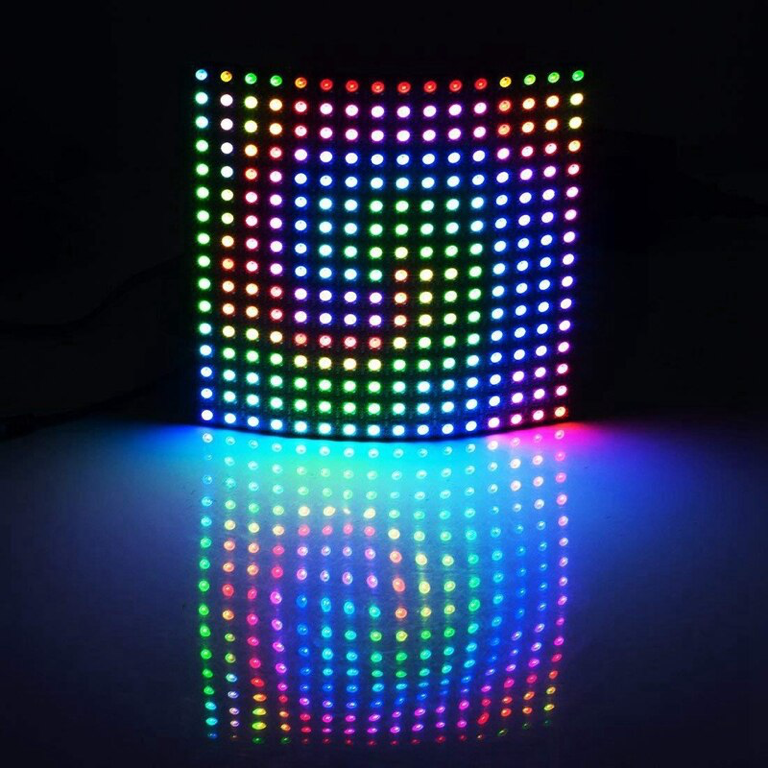
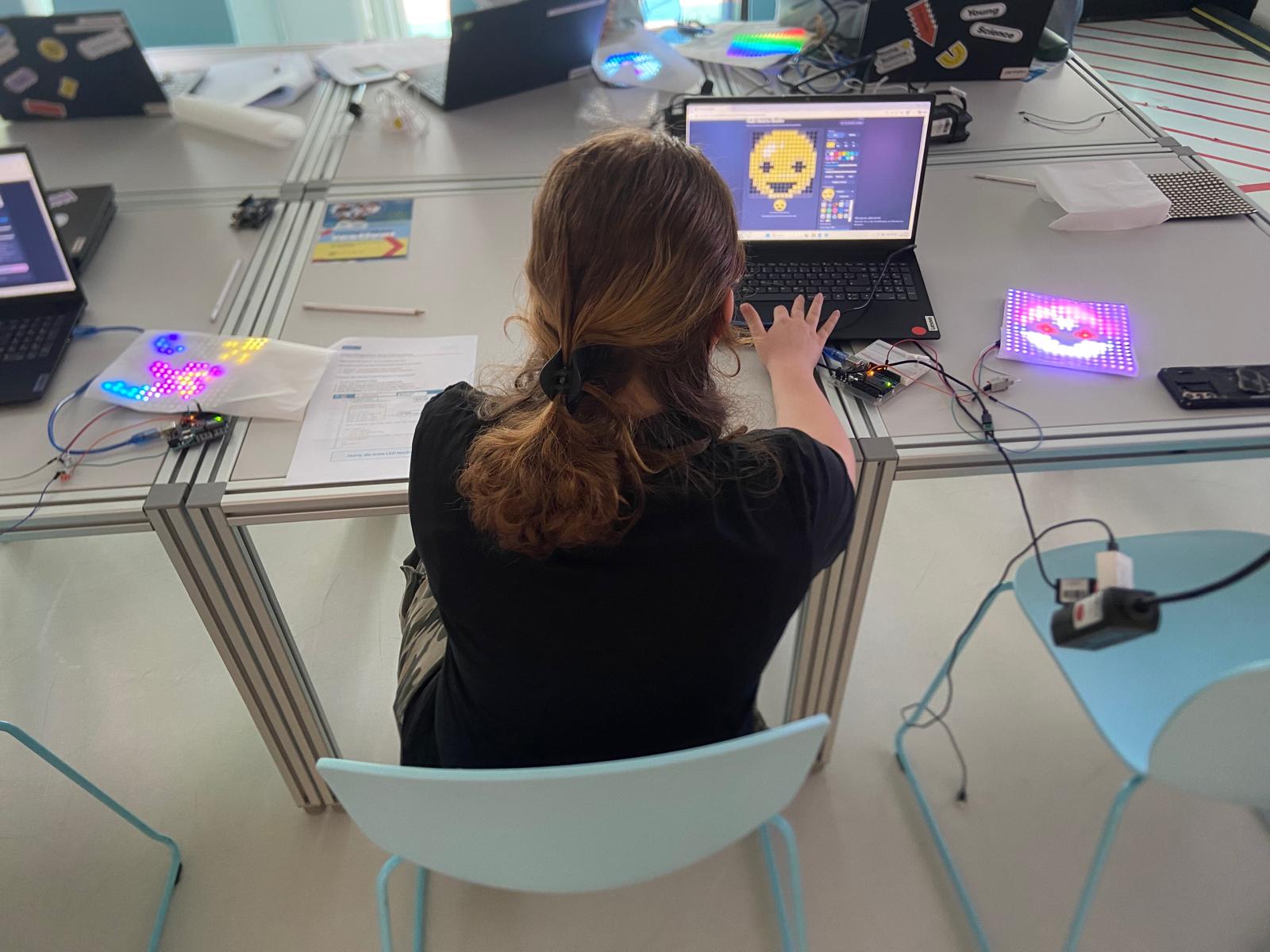
I led a four-hour workshop for girls around the age of 14. They assembled the hardware, programmed a 16 × 16 matrix and designed their own pixel art.
Starting from a blank page
My idea was that the finished image should not arrive as a prepared demonstration. The girls connected the Arduino, power supply and LED matrix themselves. They began with an almost blank program, so a complete piece of pixel art was still quite far away.
The first goal was simple: make LED number zero light up. From there, they changed its colour, addressed other LEDs and gradually built the pieces needed for a complete image.
The workshop lasted four hours, including a break. That gave us enough time to work through the complete path without rushing directly to the finished result.
From coordinates to LED numbers
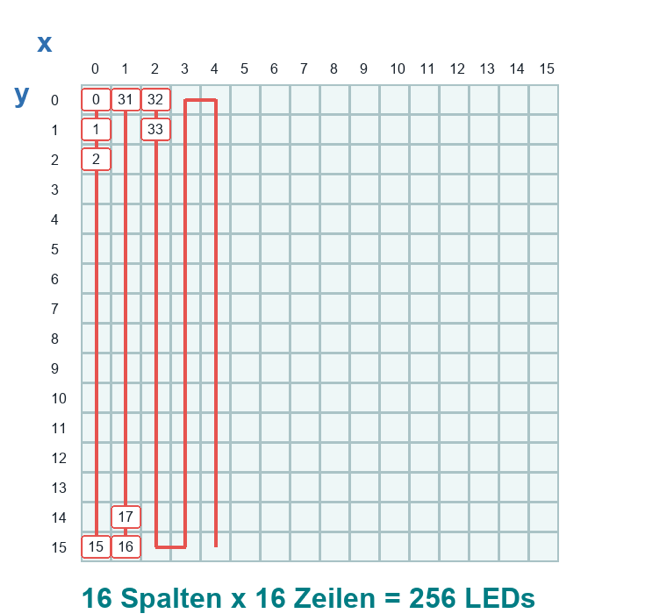
Each pixel has an x and y position. The physical LEDs form one continuous chain that runs through the columns in alternating directions.
From individual LEDs to an image
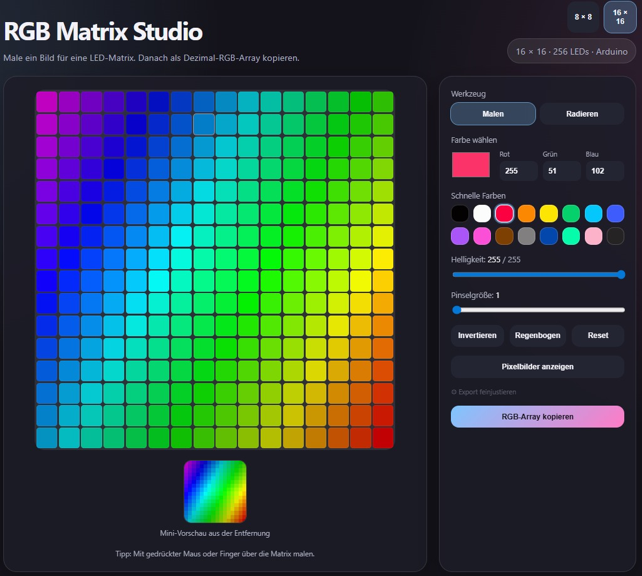
Once the coordinate system worked, the girls used RGB Matrix Studio to design their images. The tool exports the 16 × 16 image as an RGB array, which can be copied into the Arduino project.
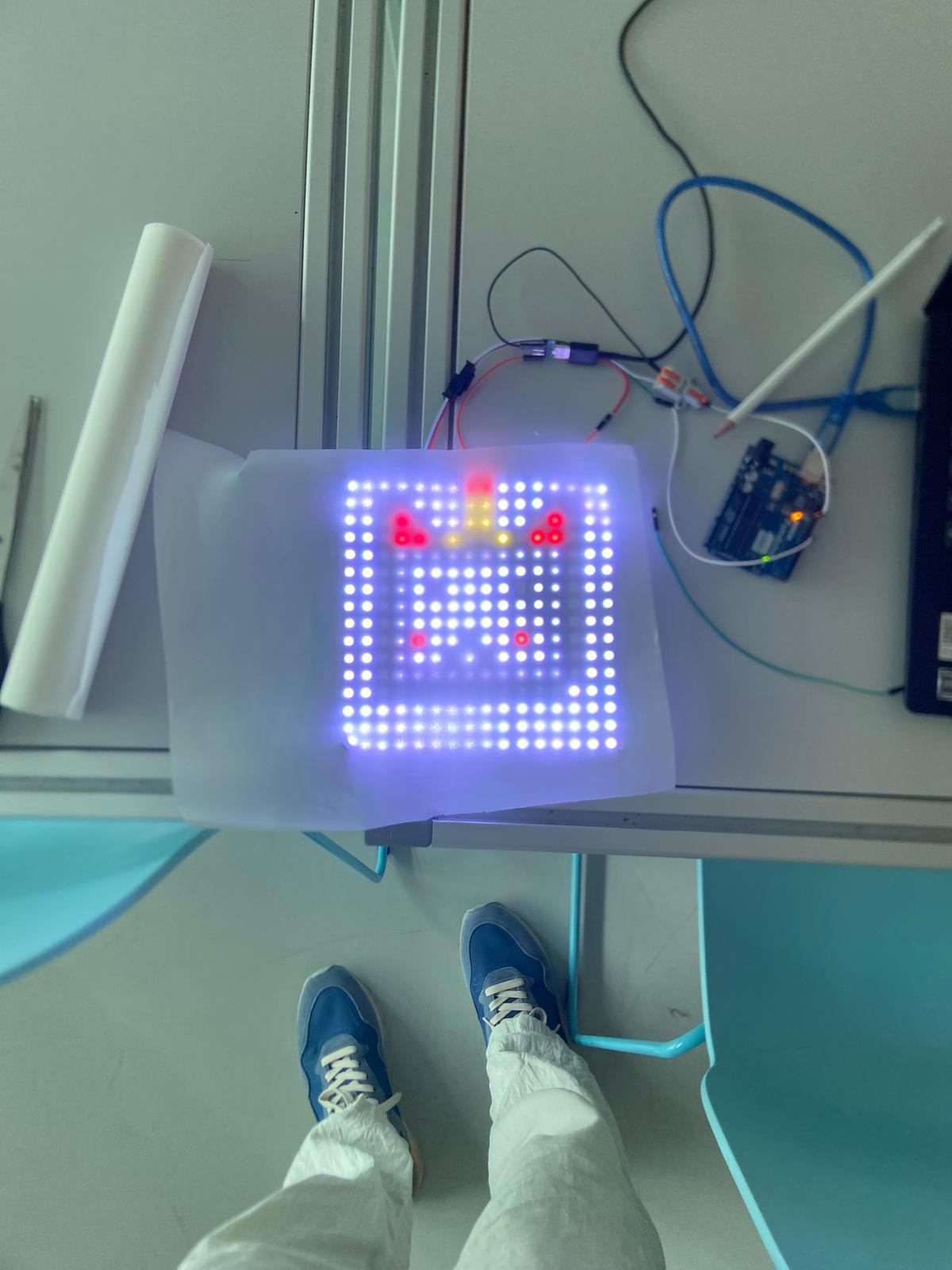
They uploaded the result to the matrix, checked how it looked in real light, and changed colours or individual pixels where necessary.
Use it for your own workshop
The workshop handout and RGB Matrix Studio can happily be used for teaching, workshops, or personal projects. You may adapt them to your own setup. Please keep the small attribution mark in place.